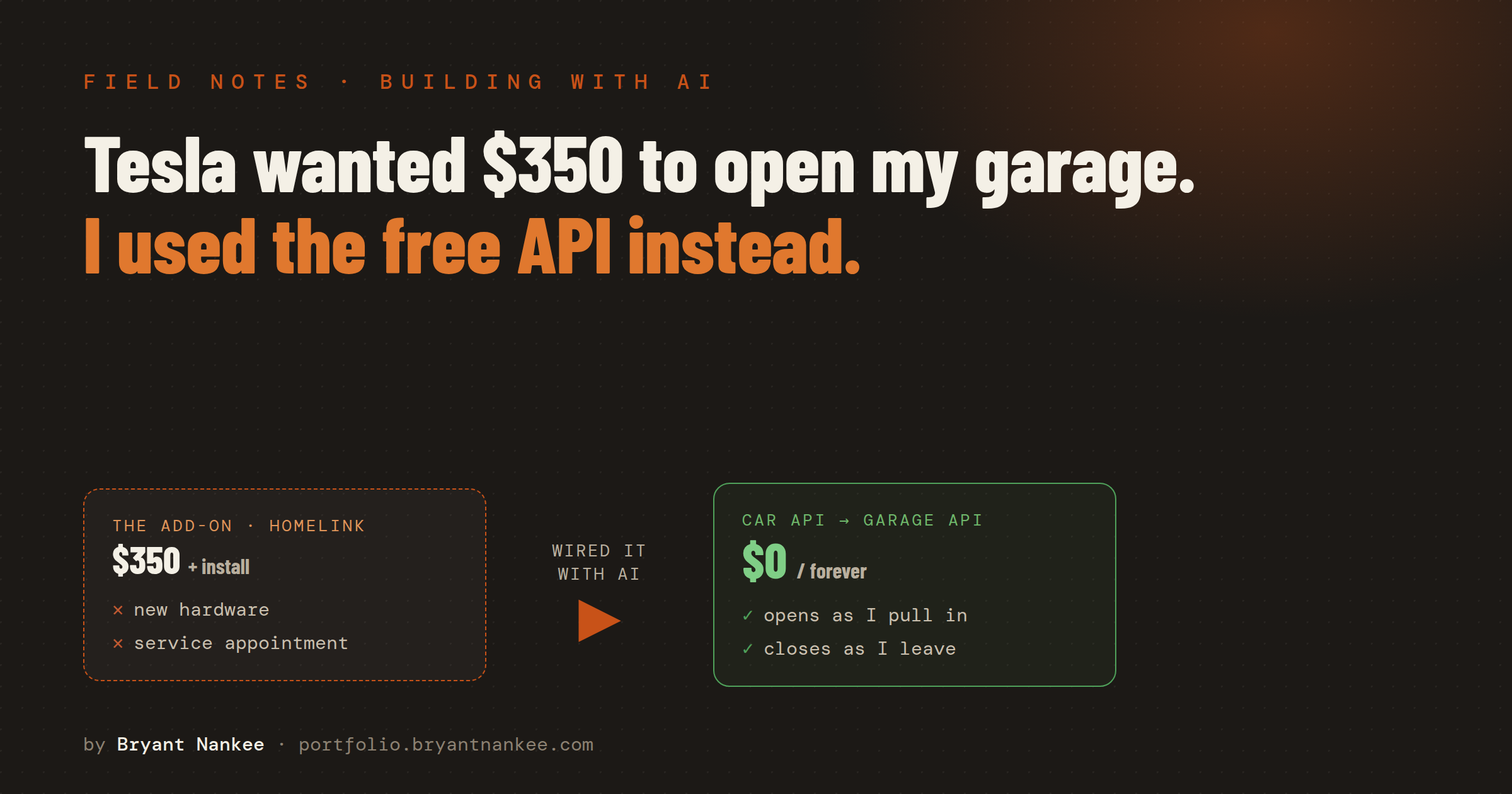
One of the small luxuries of a Tesla is that the garage opens as you pull in and closes behind you as you leave. You don't press anything or fumble for a remote on the visor. The car just knows.
Mine didn't, because that feature runs on a small radio module called HomeLink, and my Model Y doesn't have one. Tesla sells it as an add-on: the Automatic Garage Opener, $350, installed at a service center.
It's a fair product. But the more I thought about it, the less sense it made to buy it. My car already reports its location to the internet constantly. That's how the Tesla app shows it on a map. My garage door already has a smart controller with its own app. Both halves were online already, and they just didn't talk to each other. Paying $350 for a third piece of hardware to bridge two connected devices felt like buying a walkie-talkie so two people with cell phones can talk.
The whyBefore you buy the add-on, check what's already connected
This is the habit behind most of what I write about here, from the always-on server to the dictation app I built instead of renting. When someone quotes me a price, my first question has become: what am I actually paying for?
Often it's a convenience fee on top of something you already own. The pieces are sitting there and nobody has connected them for you. That used to be a real barrier, because connecting them meant reading API docs and writing code. With an AI assistant doing the heavy lifting, the barrier is mostly gone. What's left is knowing the pieces exist and being willing to ask.
Both halves were already online. They just didn't talk to each other.
The piecesEverything I needed, I already had
The logic is what HomeLink does, rebuilt in software. Draw an invisible circle around the house, called a geofence. When the car comes inside the circle slowly, open the door. When it leaves the circle, close it. All the hard parts, like knowing where the car is and actually moving the door, were already handled by Tesla and Genie. I only had to write the middle.
The first tryVersion one ran perfectly and did nothing
My AI agents built the first version over a weekend. Getting access to the car's data was the fiddly part: a Tesla developer account, security keys, pairing my server with the car. The agents got through all of it. They also stood up the location feed, which has the car push its position to my server instead of waiting to be asked.
The script itself took a simpler route, though. Every few minutes it asked Tesla's servers where the car was. On paper, fine. In practice, a parked Tesla goes to sleep to save battery, and a sleeping car doesn't answer. Every check came back "Request Timeout." For a full day the logs showed the same line over and over.
API error: HTTP Error 408: Request Timeout
Poll #168: no location (car asleep?)
API error: HTTP Error 408: Request Timeout
Poll #169: no location (car asleep?)
API error: HTTP Error 408: Request Timeout
Poll #170: no location (car asleep?)
You could "fix" that by waking the car up every time you want to check on it. But that drains the battery, and Tesla charges developers for every wake-up. A garage opener that runs down your car is worse than no garage opener.
The second opinionThe data was arriving the whole time
The agent that built it was stuck, so I did what I'd do with a person: I brought in a second set of eyes. I run a small relay on my private network that lets my AI agents message each other. I asked a different agent to pick it up, look at the live system, and talk the problem through with the first one.
It found the problem in a few minutes, and it wasn't where anyone was looking. The car's location feed was working fine. Every time I drove, the car connected to my server and streamed hundreds of location updates. But the server handed each update off to a message channel, and nothing was listening to that channel. Every update arrived and got thrown away. Meanwhile the script kept asking a sleeping car where it was.
The car was telling us exactly where it was. Nobody was listening.
The fix was to stop asking and start listening. The script now subscribes to the car's own feed. A parked car is asleep, quiet, and costs nothing. When I get in and drive, the car wakes up and streams its location every 10 seconds. That's exactly the moment a garage opener needs to know.
Around the block, live
The real test was obvious: get in the car and drive. I told the AI I was leaving in 30 seconds. It watched the live logs and narrated each location update in chat as I pulled out: 20 meters, 42, 223, 330. A few hundred meters out, it reported the close command had gone out, then checked with the garage controller. The door read closing. On the way back it counted me down until I slowed in front of the house, and the door opened.
The first drive also surfaced the kind of detail you only learn from real use. There's a stop sign on our street right outside the driveway. If the "arriving" circle is too wide, briefly stopping at that sign could look like arriving home and open the door for a car that's just passing. So we tuned it:
- Open when the car is within 55 meters of the house, going 5 mph or less, on two location updates in a row. A normal few-second stop at the sign usually produces one slow reading at most, which isn't enough to trigger it.
- Close as soon as the car is 75 meters away on two updates in a row. That's ten or twenty seconds after I pull out, not two blocks later.
- Don't do anything pointless. It only opens a closed door and only closes an open one.
- Only bother me when it fails. After each command it checks the door 30 seconds later. If the door didn't finish moving, I get an email. If it worked, I hear nothing, which is how a good garage opener should behave.
Every rule there came from a sentence I said in plain English: "there's a stop sign outside," "I want it to close faster," "only email me if it fails." The AI turned each one into code, retested it, and restarted the service. That's the part that still surprises me. The hard part of tuning this was knowing my own street, not writing code.
The payoff$350 vs. $0
Tesla's add-on is $350 plus a trip to the service center. My version cost $0 in new hardware and nothing per month. Tesla charges developers per use of its API, but every account gets a monthly credit for personal use, and a car that only streams while it's driving barely touches it. The server was already running. The door controller was already installed. The only real investment was a couple of evenings, most of which the AI spent and I didn't.
It also does things the add-on can't, because I own it. I chose the exact radius, the stop-sign rule, the alerts, and when it should stay quiet. If something annoys me next month, I'll change it.
This isn't for everyone. HomeLink is a radio in the car. It works with no internet and no server, and you never think about it again. Mine depends on the car's cellular or Wi-Fi connection, my home server staying up, and two companies keeping their APIs the way they are. It also took a Tesla developer account and some setup that, without AI help, would have been a long weekend of documentation. For most people, $350 for "it just works" is a reasonable deal. For me, wiring together what I already had was the better one. And the door's own safety sensors still stop it if anything is in the way.
The alternative usually already exists
The lesson isn't really about garages. It's that a lot of paid add-ons are bridges between things you already own. Your devices are increasingly online and increasingly have APIs, and the only thing that used to stand between you and connecting them yourself was the technical work. AI has made that work cheap.
So when something costs money, it's worth a minute to ask what you're actually buying and whether you already have the pieces. Sometimes the answer is "pay for it, it's worth it." Surprisingly often, the answer is a script, a couple of APIs, and a test drive around the block.