I dictate constantly. Emails, notes, messages, half my to-do list — it's faster than typing and it's how I get thoughts out of my head before they evaporate. For a while my tool of choice was Wispr Flow, a slick voice-to-text app that cleans up your speech as you go. I liked it a lot.
Then the trial ran out, and it wanted a subscription. And something about paying a recurring fee — forever — for a tool I use dozens of times a day just rubbed me the wrong way. Not because it isn't worth money, but because dictation is infrastructure for me now, like a keyboard. I don't want to rent my keyboard.
So I did the thing I keep doing: I looked for the version I could own instead of rent. It turned into a small, satisfying project — and a good example of a truth more people should know: a lot of "paid apps" are actually free software with a convenience fee attached.
The whyRenting tools vs. owning them
There's a theme running through most of what I build lately, from the always-on server to this: I'd rather own my tools than rent them. Renting is frictionless right up until the tool is woven into your daily life — and then the monthly fee is a small tax you pay on something you can't easily stop using. The company knows that. That's the business model.
Owning has an upfront cost — you have to set it up, sometimes get your hands dirty — but then it's yours: no bill, no account, no "your plan is expiring," and usually more privacy as a bonus. For a daily-driver tool, that trade is almost always worth it to me.
Dictation is infrastructure for me now, like a keyboard. I don't want to rent my keyboard.
The discoveryThe "$40 app" that's actually free
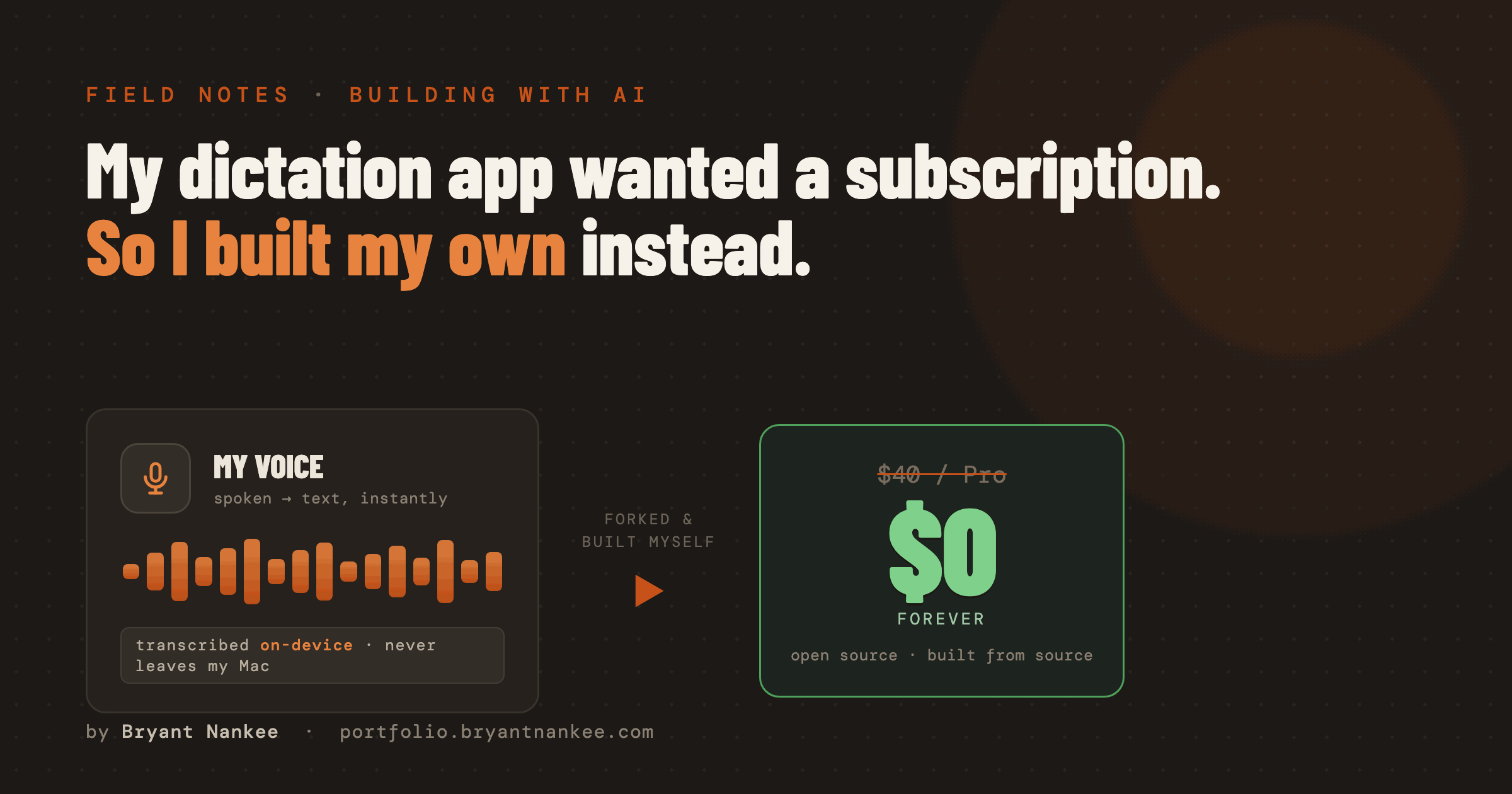
The alternative I found is called VoiceInk — an open-source dictation app for the Mac, built by an independent developer, that does essentially everything Wispr Flow does. Here's the part that surprised me: on its website, VoiceInk costs about $40. But it's also fully open source — the entire source code is public and free.
How can it be both? Because the $40 doesn't buy the software — the software is free. It buys the convenience: a ready-to-run app you download and double-click, plus automatic updates and support. If you're willing to assemble the app yourself from the free source code, you get the exact same program for nothing. That's not a loophole; it's how a lot of open-source projects work — sell the convenience, give away the code.
Assembling the app myself
"Build it from source" sounds like a wall of hacker-movie terminal text. It really isn't. Source code is just the human-readable recipe for a program; "building" is running that recipe through a compiler to produce the finished app. On a Mac, the tool for that is Xcode, Apple's free developer software. You download the project's code, open it in Xcode, and press build. A few minutes later you have a real, double-clickable app in your Applications folder.
True to the theme of this whole blog, I didn't do it alone — I had an AI coding assistant walk me through it, the same way I had one AI set up the server that hosts my other AI. It pointed me to the code, explained each step, and sorted out the inevitable "it won't compile because of X" moments. What would have been an intimidating afternoon of forum-searching became a guided twenty minutes.
One honest detail worth naming: when you build it yourself, the app treats itself as fully licensed — so every "Pro" feature the $40 would unlock is simply on. The project is released under an open-source license (GPL) that expressly permits exactly this: taking the code and building your own copy. So this isn't cracking a paid app or dodging a paywall. It's using open-source software the way its own license invites you to.
VoiceInk is the work of one independent developer who chose to open-source it. Building it myself is squarely within the license — but if you rely on a free tool like this every day, buying the one-time license (it's a single purchase, not a subscription) is a genuinely decent way to support the person who made it. Free-as-in-freedom doesn't have to mean nobody gets paid.
Where my voice actually goes
The part I care most about is the privacy story, and it's better than the paid apps I've used. Dictation has two jobs: turn your speech into text, then optionally clean that text up. My build handles them in two different places, on purpose.
The transcription — the actual listening to my voice — runs on a model called Parakeet V3 that lives entirely on my Mac. My voice audio never leaves the machine. It's not streamed to a company's servers to be processed (and, on some services, retained). It's turned into text right there on my laptop, and it's fast and remarkably accurate.
The optional cleanup step — stripping the ums, fixing punctuation, expanding shortcuts — is done by a small language model. Most of mine run locally too, via a tool called Ollama, on a compact model (Qwen 2.5 3B) that's plenty smart for tidying text. For one mode I point it at a cheap cloud model (DeepSeek) when I want a little more polish — but even then, only the transcribed text is involved, never the audio.
I rebuilt my whole feature set
The goal wasn't a stripped-down clone — it was to match the paid experience I was used to, and it does. With a few keyboard shortcuts I have:
- Fast dictation with shortcuts — I say "my email" and it types out my full address; "my portfolio" expands to the URL. The little text-replacement tricks I leaned on, rebuilt.
- Prose cleanup — a mode that takes rambly speech and returns a tidy sentence, running on the local model.
- Ask a question — a mode where I speak a question and get an answer back, without switching apps.
Same capabilities I was paying for, now running on my own machine, tuned how I like it, for zero dollars a month. And because I built it from the source, I can actually change things when a default annoys me instead of filing a feature request into the void.
Put a number on it: Wispr Flow's paid plan runs about $144–180 a year. Building VoiceInk from source instead of buying the compiled app or a competing subscription put that back at $0 — not a discount, the whole bill.
The fact that most of this runs on local AI models is possible because of a specific hardware bet I made — a Mac with a lot of memory, which is what lets these models live on the machine at all. That's its own story, and the subject of the next post.
Own the tools you use every day
Not every app is worth building yourself — for something you touch twice a year, just pay for the convenience. But for the handful of tools that become part of how you actually work, it's worth asking whether there's a version you can own. Increasingly, thanks to open source and AI assistants that can walk you through the setup, the answer is yes — and the "hard" part is a guided twenty minutes.
That's the same lesson under all of these posts: the leverage isn't magic, it's ownership. Wire up a few free, ordinary pieces yourself, and a tool you were renting forever becomes a tool that's simply yours.