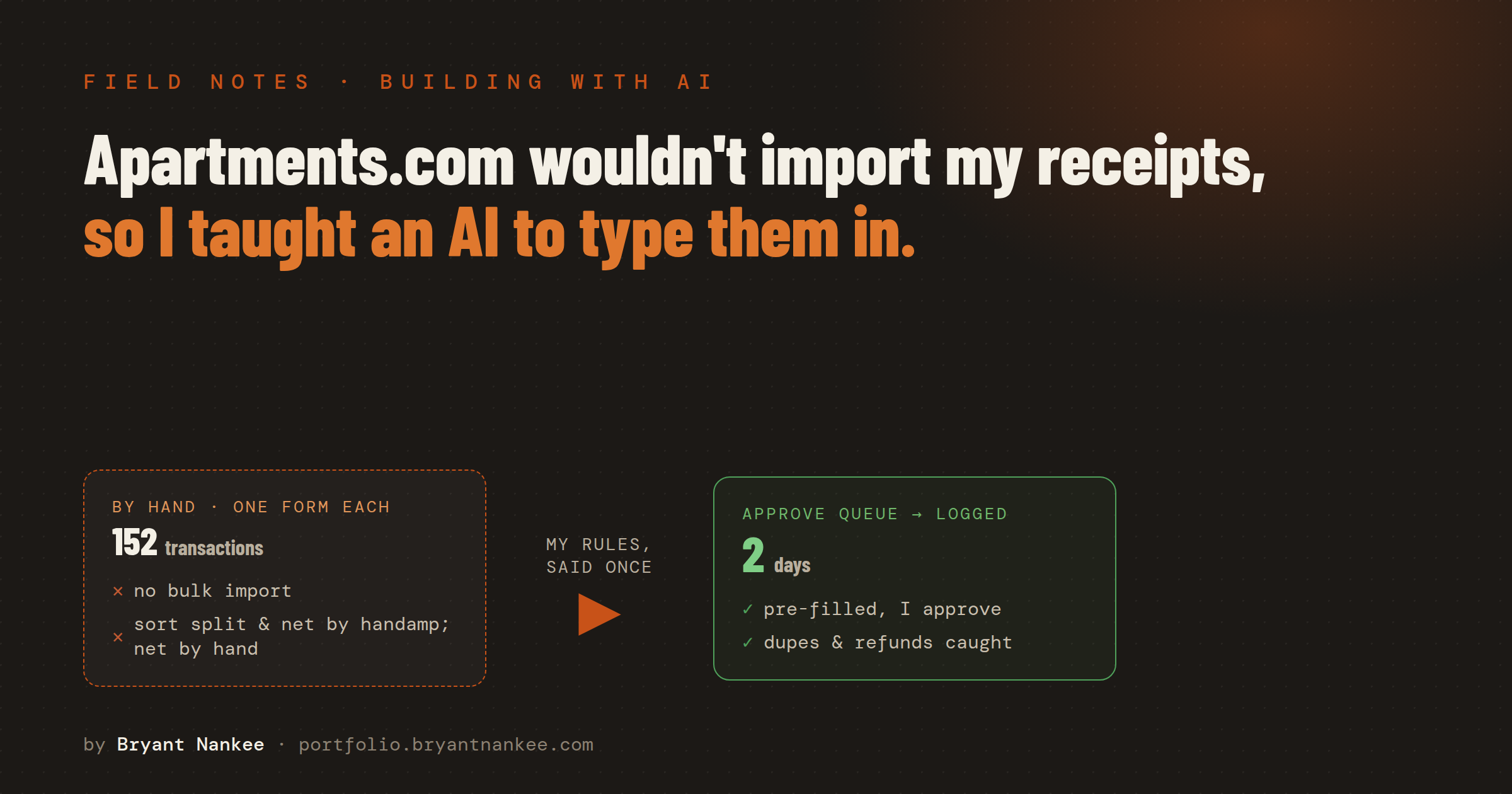
Every landlord has the same chore at tax time: turn a year of receipts into expense records. Mine live in the landlord tools inside Apartments.com, which handle rent, leases and expenses for each building. It's good software with one gap. There's no import. Each expense is its own form: date, vendor, amount, category, which property, a note. Save, and start the next one.
This fall, nine months of spending was sitting in my budgeting app, Copilot, waiting to be sorted. That's 152 transactions that might be rental expenses: Home Depot runs, Menards, Amazon orders, water bills, a contractor or two.
And it isn't simple typing. An Amazon order might be supplies for a rental and household stuff for us, in the same box. Some charges get refunded a week later. Every line needs a small decision before it needs a form.
It was two chores in one: a decision for every line, then the same form, over and over.
The ideaIf a form can do it, a script can do it
When you click save on a web form, your browser sends a short message to the site's servers behind the scenes. If you can see that message, you can usually send the same one yourself, without the form.
So I clicked through the landlord tools with my browser recording what it sent, and handed the AI that recording. It read the recording, found the 16 behind-the-scenes requests the landlord tools use (list my properties, list categories, create an expense, and so on), and wrote a small command-line tool that sends them directly. The same afternoon, it logged its first ten real expenses for January through March. Each one was checked on the site afterward, and they looked exactly like the ones I'd typed.
That's the same move as the garage opener: the pieces already existed, they just weren't connected. Here the missing piece wasn't an API key. It was an import button nobody built.
The sortingMy rules, said once in plain English
The typing was the easy half. The real work was teaching it how I sort: which vendors are rental expenses, which category each one belongs in, which charges are personal and should be skipped, and what to do with refunds. I didn't write config files. I explained how I think about each kind of charge in plain English, and the AI turned each explanation into a rule.
Then it went back further than I asked. It read my existing expense history on the site and learned 17 more rules from how I'd entered things in past years. I approved another 13 from the queue as new vendors came up. By the end it had 31 rules, and every one of them was a decision I'd actually made, not a guess.
The queueFrom a spreadsheet to a short approve list
A command-line tool works for me at a desk. It doesn't work from the couch at night, on my phone. So the second version became a small review app on my home server, reachable from my phone over my private network.
Dropping an export into a folder kicks it off. The server filters out everything that obviously isn't a rental expense, applies my rules, and sends one notification when the batch is ready. Each item in the queue arrives pre-filled: the property, the category, and why it guessed that. I approve it, fix it, or mark it personal. When I fix one, it offers to remember the fix as a new rule.
There is an auto-log mode for vendors it has seen before with a known property and category. It shipped switched off. I wanted to watch it be right for a while before I let it act without me.
The turnThe site started saying no, and my login was fine
The day after it went live, saves started failing with "Access Denied." The obvious suspect was the login. Maybe it had expired. But the login checked out fine. The rejections were coming from somewhere else.
The clue was in what the rejection looked like. When a login is the problem, the site answers like an app: a short data reply, or a redirect to the sign-in page. These replies were full web pages, served by the bot-protection service that sits in front of the site.
save expense ........ 403 Forbidden
  content-type: text/html
  server: AkamaiGHost
  "Access Denied"
check login ......... ok
So the gatekeeper had an opinion that had nothing to do with who I was. It turned out to have two. First, an update to a common web library the tool used changed its fingerprint enough to get blocked outright, so the app now runs on the older version that the site accepts. Second, every request was carrying some leftover tracking cookies from the bot-protection layer. They go stale in about two hours, and once they did, the whole request got turned away, even though the login riding along with them was still good.
The fix for the second one was to send less. The tool now sends only the login itself and none of the leftovers. More automation wouldn't have fixed it. Less clutter did.
The code was right. The site just had an opinion about what a request should look like.
The payoffNine months of receipts in two days
Nine months of catch-up went in over two days. Looking back, there were two things I hated about this chore, and the tool handles them differently.
The first was the sorting. Every charge meant working out whether it was a rental expense, which property it belonged to, how much to log, and whether something had been returned. The queue handles most of that now. Each item shows up with a guess and the reason for it, and I step in only when the guess is wrong.
The second was the repetition. Open the form, fill in the same six fields, save, and do it again for the next expense. That took more of my time than anything else, and it's completely gone. I don't type expenses into Apartments.com anymore. I approve them. Next year's catch-up should be shorter still, because the 31 rules are already there.
This runs on requests Apartments.com never published for anyone else to use. If the site changes how its own form talks to its servers, the tool breaks until it's rebuilt, and the bot-protection episode is a preview of exactly that. Nothing is logged without my approval, and big purchases get flagged for my accountant instead of being filed on autopilot. It's a faster way to do bookkeeping I'm still responsible for getting right. It doesn't hand off the responsibility.
The typing is gone. The judgment is still mine.
A missing import button used to mean "type it in, one at a time." Watching what a web form sends and reproducing it was real engineering work, the kind you'd never spend on your own bookkeeping. An AI agent did it in an afternoon. That changes the math. The chore isn't the data entry anymore. It's deciding the rules the data entry should follow.
That's the part worth my time. How I sort my own receipts is something only I know, and saying it once beats applying it by hand a hundred times.